
New Features in BookSpot | May 2026
New month, new features in BookSpot. From POS payments and automated waitlists to smarter resource management — here’s a quick look at the latest updates designed to simplify your daily operations.
.png)
.png)
POS via BookSpot (only available in Sweden & Denmark)
You can now accept physical card payments directly through BookSpot using Adyen-connected POS terminals. All sales automatically sync into BookSpot, making it easier to manage both online and on-site payments in one place.
The POS solution also supports digital receipts, reporting, and optional cash register integration for businesses that require it.
Find the feature under Settings > Payments > Adyen > Terminals.

Read more about POS via BookSpot here.
Waitlist
Let customers join a waitlist when a tour or activity is fully booked. As soon as spots become available through cancellations or schedule changes, customers automatically receive an email notification with a booking link.
The waitlist is managed automatically based on queue position and requested group size, helping you maximize occupancy while reducing manual administration.
For administrators, BookSpot also provides a complete overview of all waitlists, statuses, and notifications directly in the Availability view.
Find the feature under Products > Rebooking > Enable Waitlist.
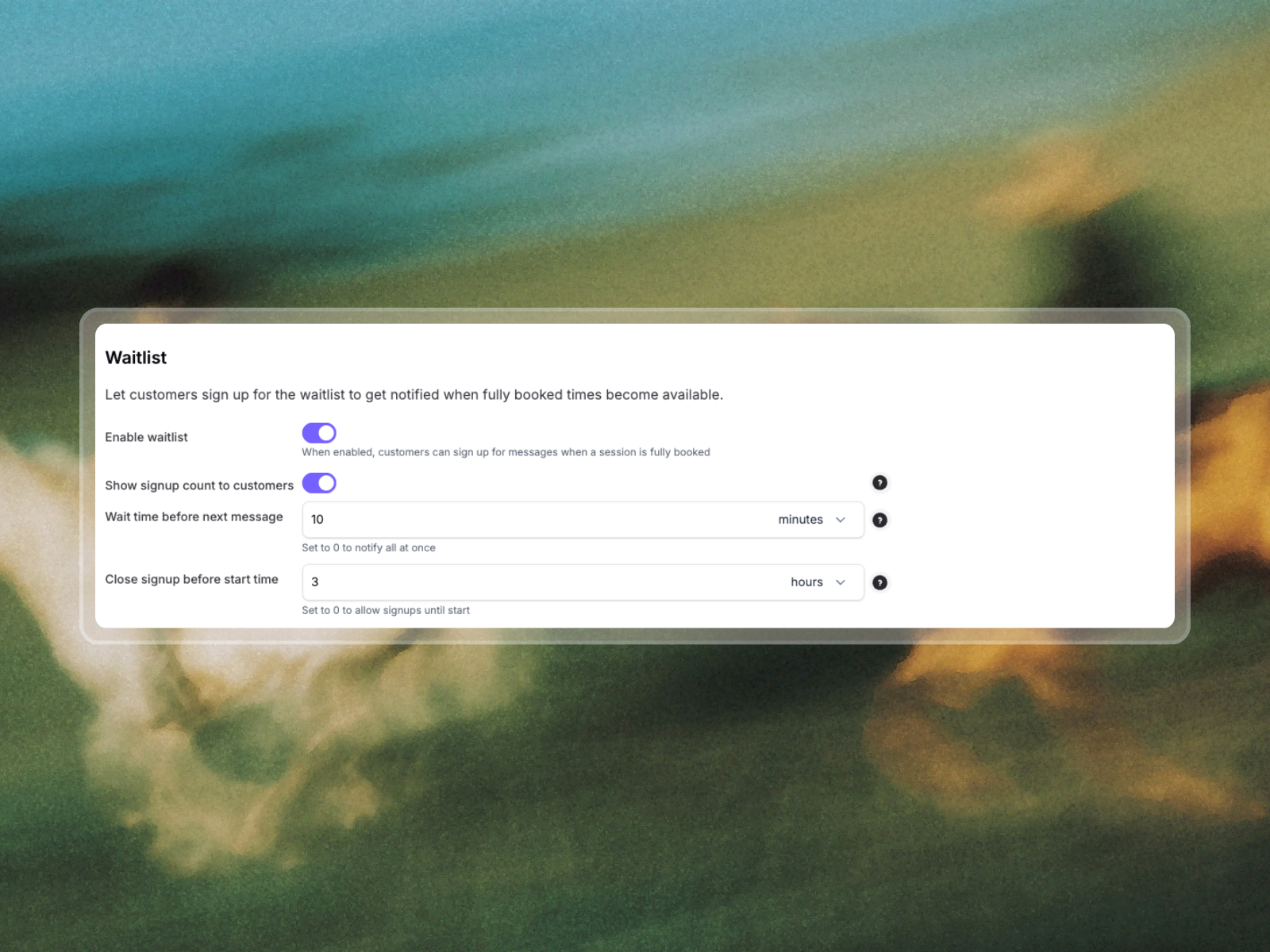
Read more about Waitlist here.
Resource Cooldown Time
Give your resources time to recover between bookings. With Cooldown Time, resources automatically remain blocked for a set period after a booking ends — perfect for cleaning, charging, maintenance, or preparation.
Whether it’s charging e-bikes, cleaning saunas, or giving horses and huskies time to rest between tours, the feature helps create smoother operations without manual planning.
Cooldown time affects availability automatically while remaining invisible to customers during the booking process.
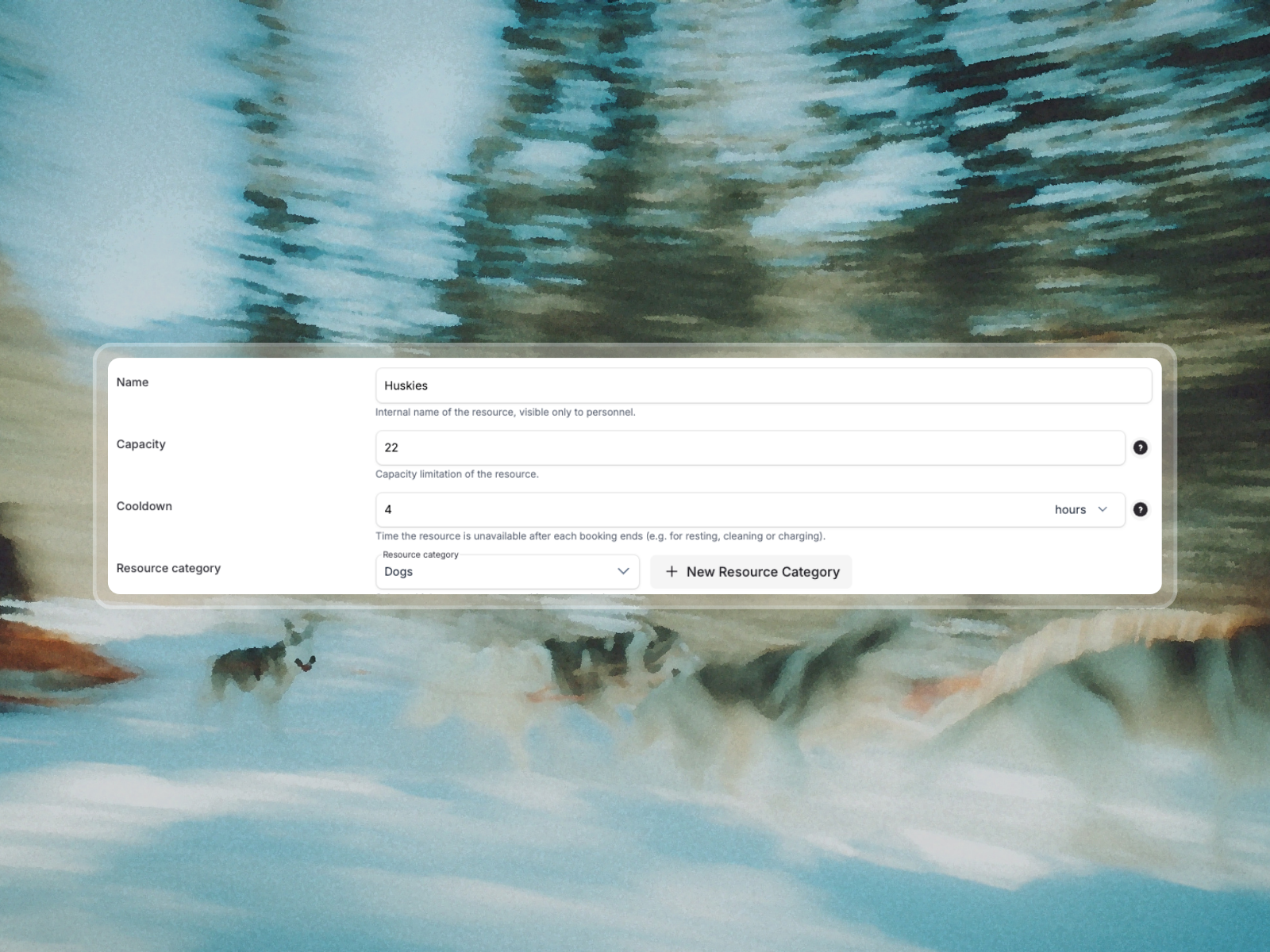
Read more about Resource Cooldown Time here.
Exclusive Resources
Need a booking to reserve an entire resource? With the “Exclusive use” setting, you can make a resource private for a specific product — even if the resource is normally shared across multiple bookings.
This is especially useful for private tours, VIP experiences, or group bookings where the full resource should be reserved for a single customer.
When enabled, the setting automatically overrides the resource’s default sharing rules and blocks the resource exclusively for that booking.
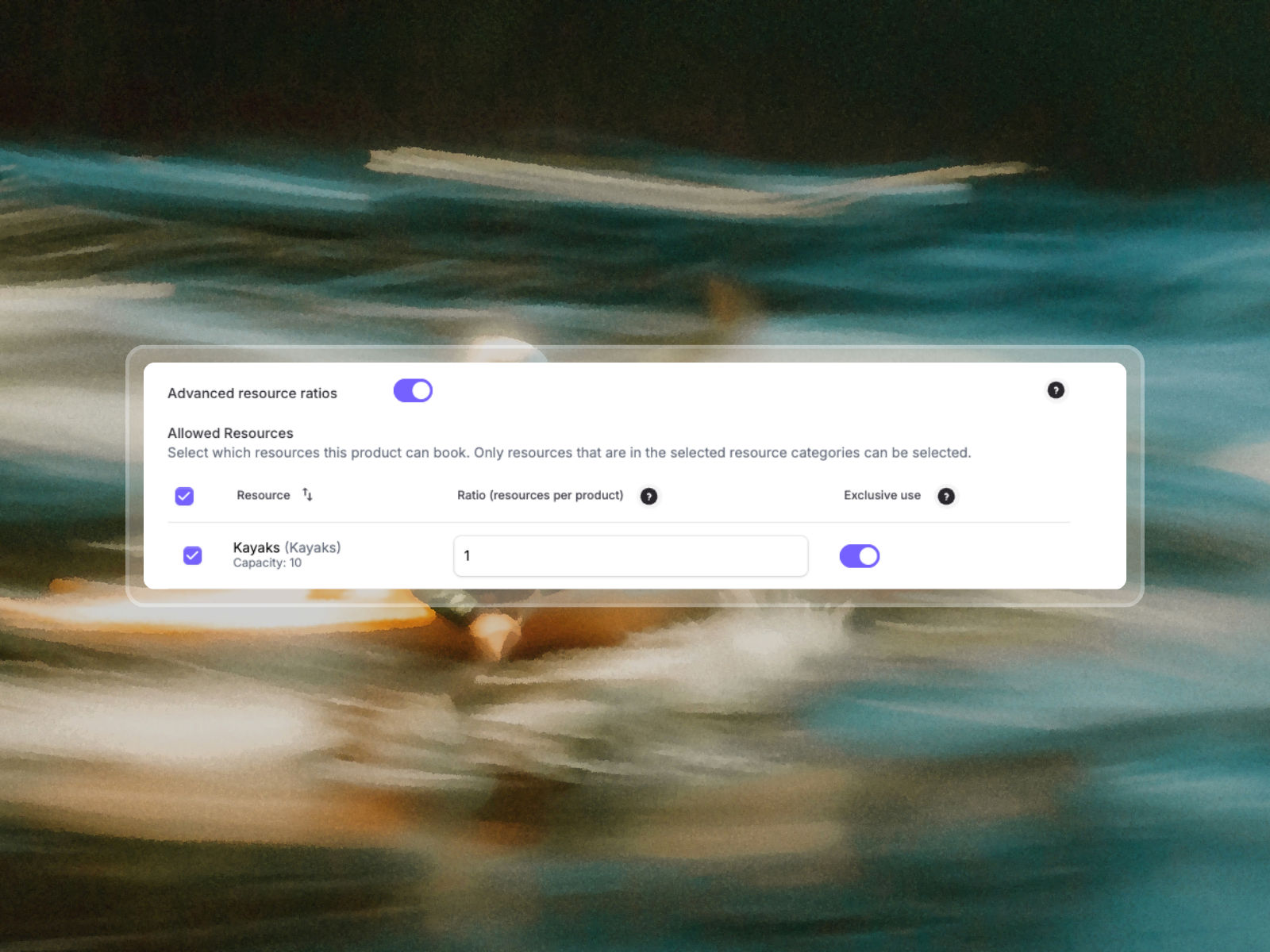
Read more about Exclusive Resources here.
Mini Features & Improvements
Alongside the bigger launches, we’ve also added several smaller improvements designed to make everyday work in BookSpot smoother and more flexible.
New updates include:
- New languages — You can now add Spanish and Italian to the booking experience, activate new languages under Settings > Languages.
- Minimum participants per booking — Set a required minimum number of participants for bookings, set the minimum number under Product settings > Availability > Booking rules.
- Unpaid booking warning when scanning — Staff now receive a warning when scanning QR codes for unpaid bookings.
- Reorder products — Easily change the order of products both in the admin list and how they appear in the widget under Products & Experiences > Reposition.
Small updates — big improvements for daily operations.
Questions or Want Help Getting Started?
If you have any questions about the new features or want help setting them up, our support team is always here to help via chat or phone. You’re also welcome to book a free consultation with our team to explore how BookSpot can help streamline your operations and improve your booking experience.

Explore more insights.



%20(16).png)
%20(10).png)
More bookings, less admin.
Manage bookings, save time, increase revenue and free up time. Book a free demo or try it out.